Copilot Prompts for 1:1 Meetings: 30 Proven Templates for Better Manager Check-Ins
Copilot prompts for 1:1 meetings help you walk into every check-in with context instead of a blank page. A one-on-one is the most personal meeting on a manager’s calendar, and it is also the one most likely to get squeezed into “anything to discuss?” when the week gets busy. Copilot will not replace the conversation, but it can do the boring parts: pulling together what happened since you last talked, drafting an agenda, tightening feedback, and writing a recap both people agree on.
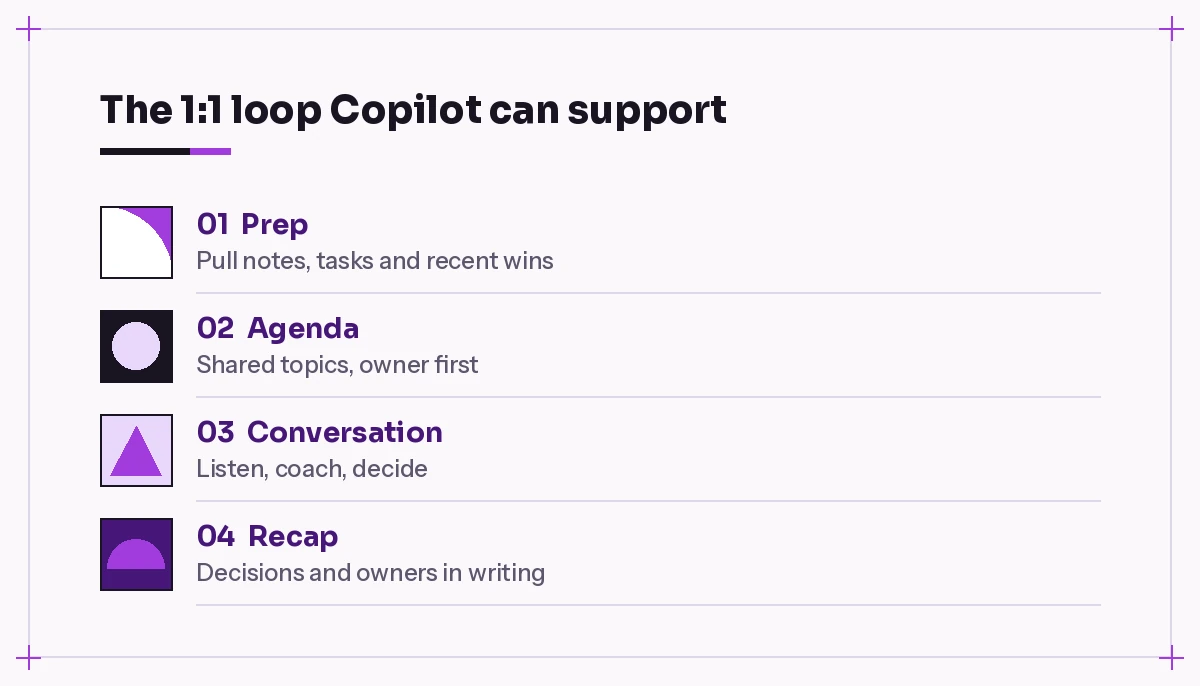
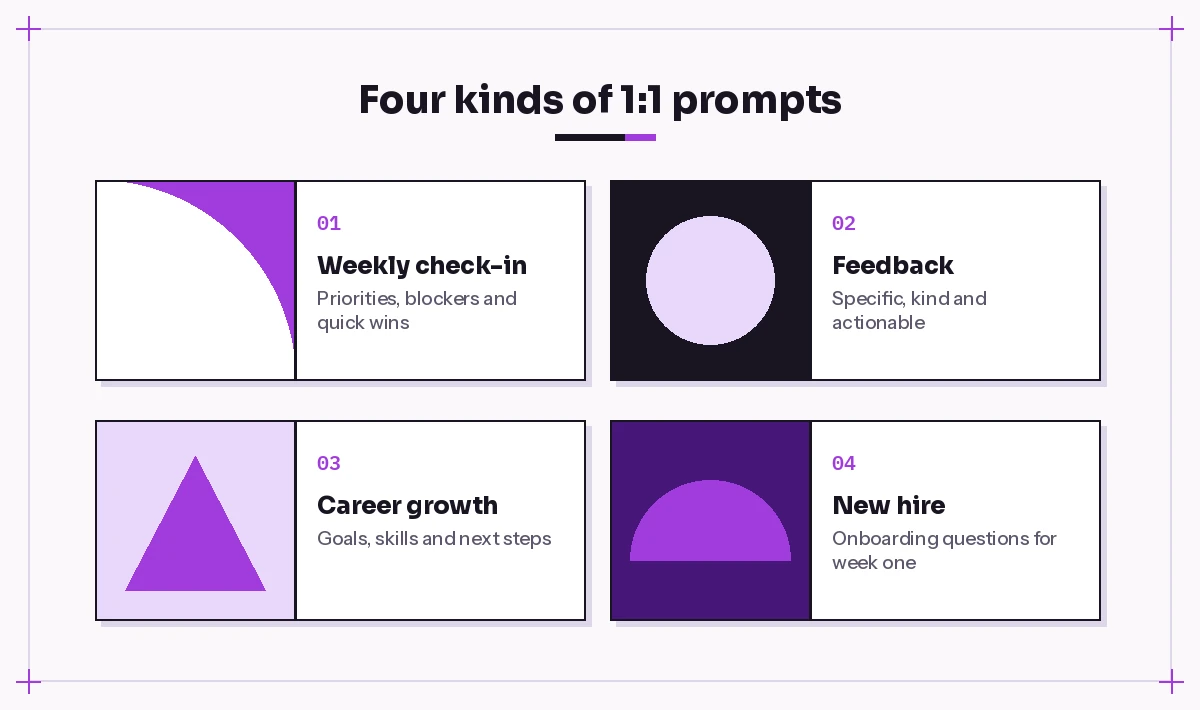
This guide gives you 30 copy-ready Copilot prompts for 1:1 meetings, organized around the full 1:1 loop. Some are for managers, some are for the employee side of the table, and a few are for skip-levels and new hires. Each one is written so you can paste it into Copilot Chat, Copilot in Teams, or Copilot in Outlook and adjust the bracketed parts.
Why Copilot Fits the 1:1 Meeting So Well
Most one-on-ones fail for the same few reasons. Nobody prepared, the agenda lives in one person’s head, feedback comes out vague, and the follow-ups vanish by Friday. Those are information problems, and information is where Copilot is strongest.
When you use Microsoft 365 Copilot with work data, it can reference your emails, chats, meeting recaps and files that you already have permission to see. That means a prep prompt can surface the project thread your report escalated on Tuesday, or the deck they shared last week, without you hunting for it.
There is one important boundary. Copilot works from what is written down. It does not know how someone is feeling, whether they are burned out, or what they said in a hallway. Use it to prepare and to document, and keep the actual listening for yourself.
If you lead a team, our broader collection of Copilot prompts for managers pairs well with this guide.
Before You Start: Three Settings That Change the Results
A few small habits make all of the Copilot prompts for 1:1 meetings below work better.
Keep a running 1:1 document. A shared Word file, Loop page or OneNote section per person gives Copilot a single place to read past notes. Reference it with a slash or the attach button so the prompt is grounded in your actual history.
Name the person and the time window. “Summarize my recent work with Priya” is fuzzy. “Summarize emails, chats and meetings between Priya Shah and me since October 13” is specific enough to produce something useful.
Ask for a format. Bullets, a table, or three short sections are all easier to scan right before a meeting than a long paragraph.
Microsoft’s own guidance on writing effective Copilot prompts recommends the same structure: goal, context, source and expectations.
Copilot Prompts for 1:1 Meetings: Prep Templates for Managers
Preparation is where Copilot saves the most time. These prompts turn twenty minutes of digging through Outlook and Teams into a two-minute read.
1. The catch-up brief
Summarize everything I should know before my 1:1 with [Name] today. Look at our emails, Teams chats and shared meetings from the last [two weeks]. Group it into: wins, open requests from them, things I promised, and possible blockers. Keep it under 150 words.2. Promises I made
Search my emails and chats with [Name] since [date] and list anything I said I would do for them. Include the date, the original wording and whether I can see evidence it was completed.This one is humbling and worth running every week. Broken small promises erode trust faster than almost anything else in a manager relationship.
3. Project status snapshot
Using the files and threads about [project name], give me a short status for the parts [Name] owns: what is done, what is in progress, what is late, and any decisions waiting on me. Present it as a table.4. Recognition finder
Find two or three specific things [Name] did recently that deserve recognition. Use emails, chats and meeting recaps from the past month. For each, tell me what they did, who benefited and where you found it.Specific praise lands better than “great job lately,” and this prompt gives you concrete examples to mention.
5. Draft the agenda
Create a 30-minute 1:1 agenda for [Name] based on our last meeting notes in [file] and their recent work. Put their topics first, then mine, then 5 minutes for growth. Add a suggested time for each item.6. Questions to open the conversation
Suggest five open-ended questions I can ask [Name] in our 1:1 this week. Base them on what they're working on right now: [short context]. Avoid yes/no questions and avoid anything that sounds like a status report.Templates for the Employee Side of the Table
A one-on-one belongs to the employee as much as the manager. If you are the report, these prompts help you show up with a clear ask instead of a vague update.
7. My update in three lines
Summarize what I accomplished since my last 1:1 with [Manager]. Use my sent emails, Teams messages and documents I edited since [date]. Give me three short bullets I can say out loud, plus one thing I need help with.8. Turn a frustration into a request
I'm frustrated about [situation]. Help me turn this into a calm, specific request I can bring to my 1:1. Include what's happening, the impact on my work, and one or two options I'd suggest.9. Prep for a raise or promotion talk
Help me prepare for a conversation with my manager about [promotion/compensation]. List my key contributions this year from my emails, documents and meeting recaps, link each to a business outcome, and suggest how to open the conversation confidently without sounding demanding.10. Questions to ask my manager
Give me eight good questions to ask my manager in a 1:1 about priorities, feedback and career growth. Make them specific to a [role] working on [area].11. Clarify a fuzzy assignment
Review the thread about [task] and list what's still unclear: scope, deadline, decision owner, and definition of done. Turn the gaps into four short questions I can ask in my 1:1.Feedback and Coaching Prompts
Feedback is where most managers want help from Copilot prompts for 1:1 meetings, and where Copilot needs the most care. Use it to make your wording clearer and fairer, not to generate opinions about someone’s performance.
12. Make feedback specific
Rewrite this feedback so it is specific, kind and actionable. Use the situation-behavior-impact structure and end with one clear suggestion. Feedback: "[your rough note]"13. Balance a hard message
I need to tell [Name] that [issue]. Draft three short ways to open the conversation, from most direct to most gentle. Each should state the issue clearly in the first two sentences.14. Prepare for pushback
I'm giving feedback that [summary]. List the three most likely reactions or objections and suggest a calm, honest response to each. Keep responses short.15. Coaching questions instead of answers
[Name] is stuck on [problem]. Instead of solving it for them, give me six coaching questions that help them find their own next step.16. Check my tone
Review this message I plan to send after a tough 1:1 and flag anything that could read as dismissive, vague or passive-aggressive. Suggest a revised version. Message: "[draft]"If feedback is turning into a formal review cycle, our guide to Copilot prompts for performance reviews covers self-assessments, ratings language and goal writing in more depth.
Career Growth and Development Prompts
Growth topics get pushed aside when every one-on-one turns into a status meeting. A simple fix is to dedicate one meeting a month to development, and use these prompts to prepare.
17. Skills gap map
[Name] wants to move toward [target role]. Compare the typical responsibilities of that role with what they do today based on [their current responsibilities]. List the top three skills to build and one practical stretch assignment for each.18. Ninety-day development plan
Draft a 90-day development plan for [Name] focused on [skill]. Include one learning resource type, one on-the-job project, and one way we'll know it's working. Format it as a table with month 1, 2 and 3.19. Goal check-in
Here are [Name]'s goals for this quarter: [goals]. Using recent emails, documents and meeting recaps, show progress on each, mark it on track, at risk or off track, and suggest one question for our 1:1.20. Mentor and visibility ideas
Suggest five low-effort ways I can increase [Name]'s visibility in the organization over the next quarter, given they work on [area] and want to grow into [goal].Prompts for Running the Meeting in Teams
If your one-on-ones happen in Microsoft Teams with transcription turned on, Copilot can answer questions while the meeting is happening and after it ends. Microsoft explains the requirements in its Copilot in Teams meetings guide. Always tell the other person before you start recording or transcribing; for a sensitive one-on-one, it is often better to skip transcription entirely and take light notes yourself.
21. Mid-meeting catch-up
What have we agreed on so far in this meeting, and which agenda items haven't we covered yet?22. Check for missed points
Did [Name] raise any concerns or requests that we haven't responded to yet in this meeting?23. Decision check
List any decisions made in this meeting and who owns each one. Flag anything that sounded decided but has no owner.After the 1:1: Recaps and Follow-Ups
Many people only use Copilot prompts for 1:1 meetings before the call, but the recap is what turns a pleasant chat into progress. These templates take the last five minutes of admin off your plate.
24. The shared recap
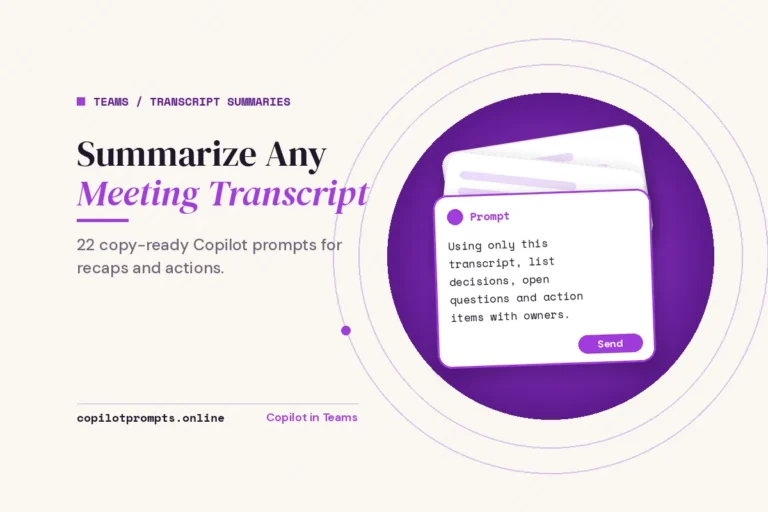
Write a short recap of my 1:1 with [Name] based on the meeting transcript or these notes: [notes]. Include: topics discussed, decisions, action items with owners and dates, and anything to revisit next time. Friendly tone, under 200 words.For longer meetings, see our template set to summarize a meeting transcript with Copilot.
25. Action items only
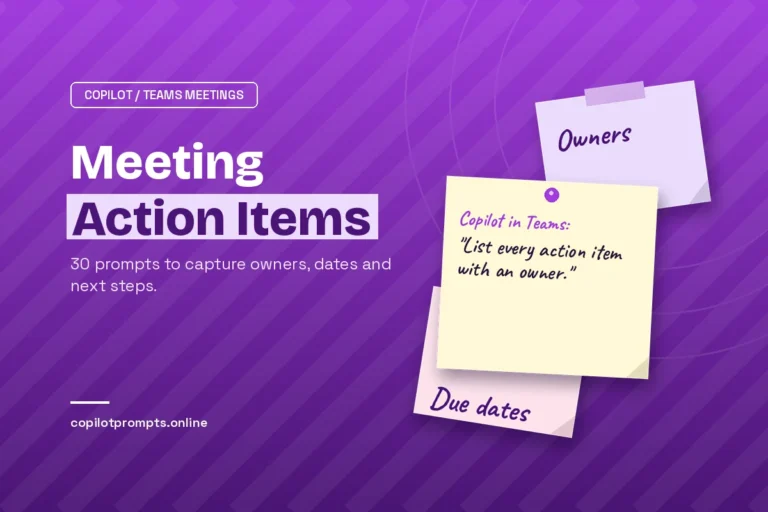
From this 1:1 recap, extract every action item as a table with task, owner, due date and status. If a due date wasn't mentioned, write "to confirm".Our guide to Copilot prompts for meeting action items has more variations for tracking follow-ups across many meetings.
26. Update the running doc
Add today's 1:1 notes to the top of [file] using the same headings as previous entries. Keep older entries unchanged.27. Next-meeting carryover
Compare the action items from our last two 1:1 recaps with [Name]. Which items keep rolling over? Suggest how to address each one in our next meeting.Special Situations: New Hires, Skip-Levels and Remote Teams
Not every one-on-one is a weekly check-in. These prompts cover a few common variations.
28. First 1:1 with a new hire
Draft an agenda for my first 1:1 with a new team member, [Name], who joined as a [role]. Include getting-to-know-you questions, how we'll work together, how they like to receive feedback, and what success looks like in their first 30 days.29. Skip-level conversation
I'm meeting with [Name], who reports to one of my managers. Suggest eight skip-level questions that help me understand team health, blockers and ideas, without undermining their manager.30. Remote check-in for connection
Suggest five questions for a remote 1:1 that help me understand how [Name] is doing beyond work tasks, such as workload, focus time and team connection. Keep them respectful and optional to answer.How to Build a Repeatable Weekly 1:1 Routine
You don’t need all 30 Copilot prompts for 1:1 meetings every week. A simple routine might look like this:
| When | Prompt to use | Time saved |
|---|---|---|
| Morning of the 1:1 | Catch-up brief (#1) and promises I made (#2) | Digging through threads |
| Ten minutes before | Draft the agenda (#5) | Writing from scratch |
| During the meeting | Decision check (#23) if transcribing | Losing track of agreements |
| Right after | Shared recap (#24) | Typing up notes |
| Once a month | Goal check-in (#19) or skills gap map (#17) | Growth falling off the agenda |
If you want Copilot to help protect the time itself, our Copilot prompts for Outlook calendar cover rescheduling, finding focus blocks and setting recurring meetings.
Common Mistakes to Avoid
A few habits can undercut even well-written Copilot prompts for 1:1 meetings.
Letting Copilot write the relationship. A recap drafted by AI is fine. A personal message about a difficult situation should still sound like you. Edit before sending.
Pasting sensitive details carelessly. Health issues, compensation and personal matters deserve extra care. Follow your organization’s policies about what belongs in a chat prompt or a shared document.
Treating summaries as facts. Copilot can misread a thread or miss context. If a summary will shape feedback or a decision, open the source and check it.
Using it only for the manager. The best one-on-ones are two-way. Share a few of the employee-side templates with your team so they can prepare too.
Final Thoughts
A strong one-on-one is simple on paper: listen, agree on what matters, and follow through. The hard part is doing that consistently with several people while everything else competes for your attention. These Copilot prompts for 1:1 meetings take care of the prep and the paperwork so the 30 minutes you spend together can go to the conversation itself.
Start with three: the catch-up brief, the agenda draft and the shared recap. Once those feel natural, add the feedback and growth prompts to round out your routine.
Frequently Asked Questions
What are the best Copilot prompts for 1:1 meetings?
The most useful ones are a catch-up brief that summarizes recent emails and chats with the person, an agenda draft that puts their topics first, and a recap prompt that lists decisions and action items with owners. Feedback and career-growth prompts are worth adding once a month.
Can Copilot prepare an agenda for my one-on-one automatically?
Copilot can draft an agenda when you ask it to, using your previous notes, shared files and recent conversations as context. You still need to run the prompt and review the result, and it works best when you keep a running notes document for each person.
Does Copilot work in a Teams 1:1 call?
Yes, if your organization has Copilot for Microsoft 365 and the meeting has transcription turned on (or Copilot is enabled for the meeting). You can ask it what has been agreed so far, which topics are left, and to draft a recap afterward. Let the other person know before transcription starts.
Should I record or transcribe sensitive 1:1 conversations?
Not always. For personal, health or performance-sensitive topics, many managers skip transcription and take brief notes instead. Follow your company policy and get the other person’s agreement before recording anything.
Can employees use Copilot to prepare for a 1:1 with their manager?
Absolutely. Copilot prompts for 1:1 meetings work for both sides. Employees can ask Copilot to summarize their recent work, turn a frustration into a clear request, list questions to ask, or gather evidence of contributions before a promotion conversation.
Is it okay to use Copilot to write feedback for my team?
It’s a good tool for making your own feedback clearer, more specific and more balanced. Give it your rough notes and ask for a structure like situation-behavior-impact, then edit the result so the final message reflects your judgment and sounds like you.